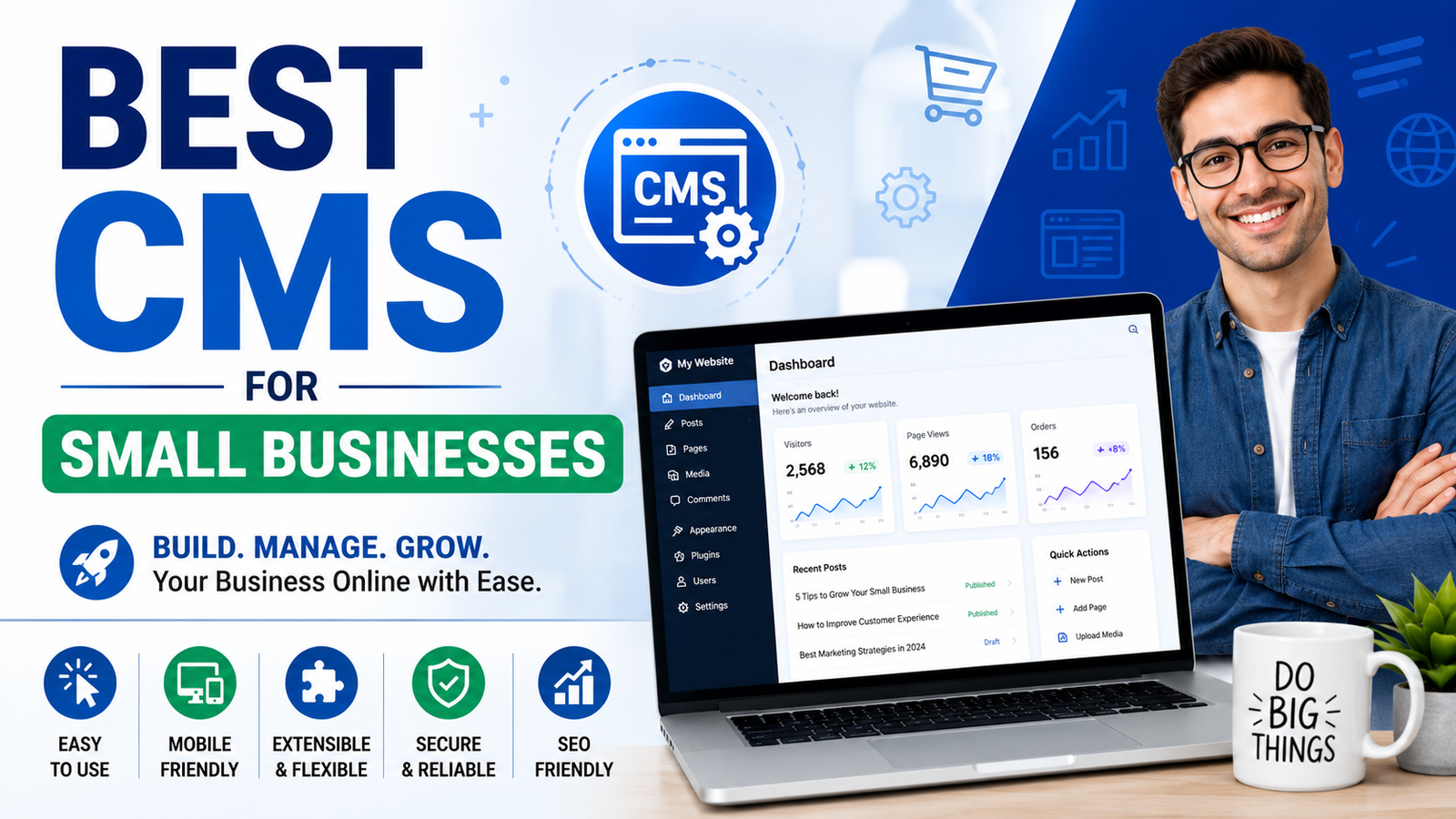
How to Choose the Best CMS for Your Small Business Website

Running a small business is already challenging. Between managing customers, marketing your services, and handling daily operations, the last thing you want is a website that’s difficult to update.
That’s where a Content Management System (CMS) comes in.
A good CMS allows you to update your website without writing code. You can add new pages, publish blog posts, edit services, upload images, and keep your website fresh in just a few clicks.
If you’re searching for the best CMS for small businesses, this guide will help you understand what matters, which features you should look for, and how to choose the right solution for your business.
What is a CMS?
A Content Management System (CMS) is software that helps you create, manage, and update your website without needing technical knowledge.
Instead of editing complex code, you simply log in to an admin panel where you can:
- Add or edit pages
- Upload images and videos
- Publish blog articles
- Update products or services
- Manage users
- Improve your website regularly
This saves both time and money while giving you complete control over your website.
Why Small Businesses Need a CMS
Many small businesses launch a website but never update it because every small change requires a developer.
That creates problems like:
- Outdated information
- Broken customer trust
- Poor SEO rankings
- Lost leads
- Higher maintenance costs
A CMS solves these issues by making website management simple.
Benefits include:
- Easy content updates
- Better SEO opportunities
- Faster website management
- Lower long-term costs
- Improved customer experience
- Ability to publish blogs regularly
- More professional online presence
A website should grow with your business—not become another problem to manage.
Get Your CMS: Click Here
Key Features to Look for in the Best CMS for Small Businesses
Not every CMS is designed for growing businesses.
Here are the features that matter the most.
1. Easy-to-Use Dashboard
Your team should be able to update pages without technical training.
A clean dashboard saves time and reduces mistakes.
2. Mobile Responsive Design
More than half of website visitors now browse from smartphones.
Your CMS should make sure every page looks great on:
- Mobile
- Tablet
- Desktop
3. SEO-Friendly Structure
A good CMS should help improve search rankings with features like:
- Custom page titles
- Meta descriptions
- Clean URLs
- Image optimization
- Fast loading speed
- XML Sitemap support
SEO becomes much easier when your CMS is built correctly.
4. Fast Performance
Visitors leave slow websites quickly.
Choose a CMS that loads pages fast because speed improves:
- User experience
- Google rankings
- Conversion rates
5. Security
Website security protects both your business and your customers.
Essential security features include:
- SSL support
- Regular updates
- User permissions
- Secure login
- Backup options
6. Blog Management
Content marketing is one of the best ways to attract organic traffic.
Your CMS should allow you to publish blogs easily with:
- Categories
- Tags
- Featured images
- SEO settings
- Internal linking
7. Scalability
Your business will grow.
Your CMS should grow with it by supporting:
- New pages
- Additional services
- Landing pages
- Blogs
- Multiple users
Get Now: Click Here
Different Types of CMS
Choosing the right CMS depends on your business goals.
Open Source CMS
Examples include WordPress and Joomla.
Pros:
- Flexible
- Large community
- Thousands of plugins
Cons:
- Requires maintenance
- Plugin conflicts
- Security management
Custom CMS
Built specifically for your business.
Pros:
- Faster
- Secure
- No unnecessary features
- Tailored workflow
Cons:
- Requires professional development
- Higher initial investment
SaaS CMS
Cloud-based solutions managed by providers.
Pros:
- Easy setup
- Automatic updates
- Low maintenance
Cons:
- Limited customization
- Monthly subscription costs
Signs Your Business Needs a Better CMS
If any of these sound familiar, it may be time for an upgrade.
- Updating content is difficult
- Website loads slowly
- Poor Google rankings
- Customers find outdated information
- You depend on developers for small changes
- Website isn’t mobile-friendly
- Security issues keep appearing
A better CMS can solve these problems while making daily website management much easier.
Common Mistakes When Choosing a CMS
Many businesses choose the wrong CMS because they focus only on price.
Avoid these common mistakes.
Choosing Only Based on Cost
The cheapest solution often becomes the most expensive later through maintenance and redesign costs.
Ignoring SEO
A beautiful website won’t generate traffic if it isn’t optimized for search engines.
Not Thinking Long-Term
Choose a CMS that supports future growth instead of rebuilding your website every few years.
Ignoring Security
Cybersecurity should never be an afterthought.
A secure CMS protects your business reputation.
Overcomplicated Systems
You don’t need hundreds of features you’ll never use.
Simple systems usually perform better.
Questions to Ask Before Hiring a CMS Service Provider
Before investing in a CMS, ask these important questions.
- Is the CMS easy to update without coding?
- Will my website be SEO-friendly?
- Is it mobile responsive?
- How secure is the system?
- Can the CMS grow with my business?
- What kind of support is included?
- Will I own my website and content?
- Are backups included?
- How often is the CMS maintained?
- Can new features be added later?
These questions help you avoid future problems.
Why Choose CourseKaro CMS Services?
At CourseKaro, we understand that every small business has different goals.
Instead of offering a one-size-fits-all solution, we provide CMS services designed for businesses that want a professional website that’s easy to manage.
Here’s what you get:
✅ Easy content management
✅ SEO-friendly website structure
✅ Mobile responsive design
✅ Fast-loading pages
✅ Clean and professional UI
✅ Secure website setup
✅ Blog management support
✅ Ongoing maintenance assistance
Whether you run a coaching institute, school, hospital, local business, startup, or service company, we help you build a CMS that is simple to use and ready for growth.
👉 Need a CMS for your business?
Click Here to get started with our CMS service and let us help you build a website that’s easy to manage, SEO-friendly, and built for long-term success.
Best Practices for Managing Your CMS
Even the best CMS requires regular attention.
Follow these tips:
- Update content regularly
- Publish helpful blogs
- Optimize images
- Remove outdated pages
- Monitor website speed
- Keep backups
- Review SEO performance
- Update contact information
- Check mobile responsiveness
- Improve user experience continuously
Small improvements over time lead to better rankings and more customers.
How a Good CMS Helps SEO
Many business owners don’t realize how closely SEO and CMS are connected.
A well-built CMS supports SEO by making it easier to:
- Create optimized URLs
- Add title tags
- Write meta descriptions
- Improve internal linking
- Publish fresh content
- Optimize images
- Increase website speed
Since Google values websites that provide a great user experience, choosing the right CMS can directly improve your visibility in search results.
Frequently Asked Questions (FAQs)
What is the best CMS for small businesses?
The best CMS depends on your business needs, budget, and growth plans. Look for a platform that is easy to use, secure, mobile-friendly, and SEO-ready.
Is a CMS good for SEO?
Yes. A quality CMS makes it much easier to optimize pages, publish fresh content, and improve website performance, all of which support better SEO.
Can I update my website without coding?
Absolutely. One of the biggest advantages of a CMS is that you can edit pages, upload images, and publish blog posts without writing code.
How much does a CMS website cost?
Costs vary depending on the features, customization, and level of support required. Investing in a scalable CMS often saves money over time by reducing maintenance and redesign expenses.
How often should I update my website?
It’s a good idea to review your website regularly and publish new content, update services, and refresh outdated information whenever necessary. Frequent updates also help with SEO.
Is a custom CMS better than using free platforms?
A custom CMS can be a better option if you need specific features, stronger security, better performance, and a solution tailored to your business. Free platforms can work well for many businesses but may require more maintenance and plugin management.
Final Thoughts
Choosing the best CMS for small businesses is more than picking a platform—it’s about selecting a solution that supports your growth, improves your online presence, and makes website management simple.
A reliable CMS helps you keep your content updated, rank better on search engines, provide a smoother experience for visitors, and save valuable time. Instead of struggling with complicated systems or relying on developers for every small change, you can focus on what matters most: growing your business.
If you’re looking for a CMS that’s easy to manage, SEO-friendly, secure, and built to scale with your business, we’re here to help.
Ready to Build a Better Website?
Your website should work as hard as you do.
👉 Click Here to explore our CMS services and discover how we can create a professional, high-performing website that supports your business today and in the future.