
Managing a business website shouldn’t require technical expertise every time you need to update a page, publish an article, add an image, or change your services.
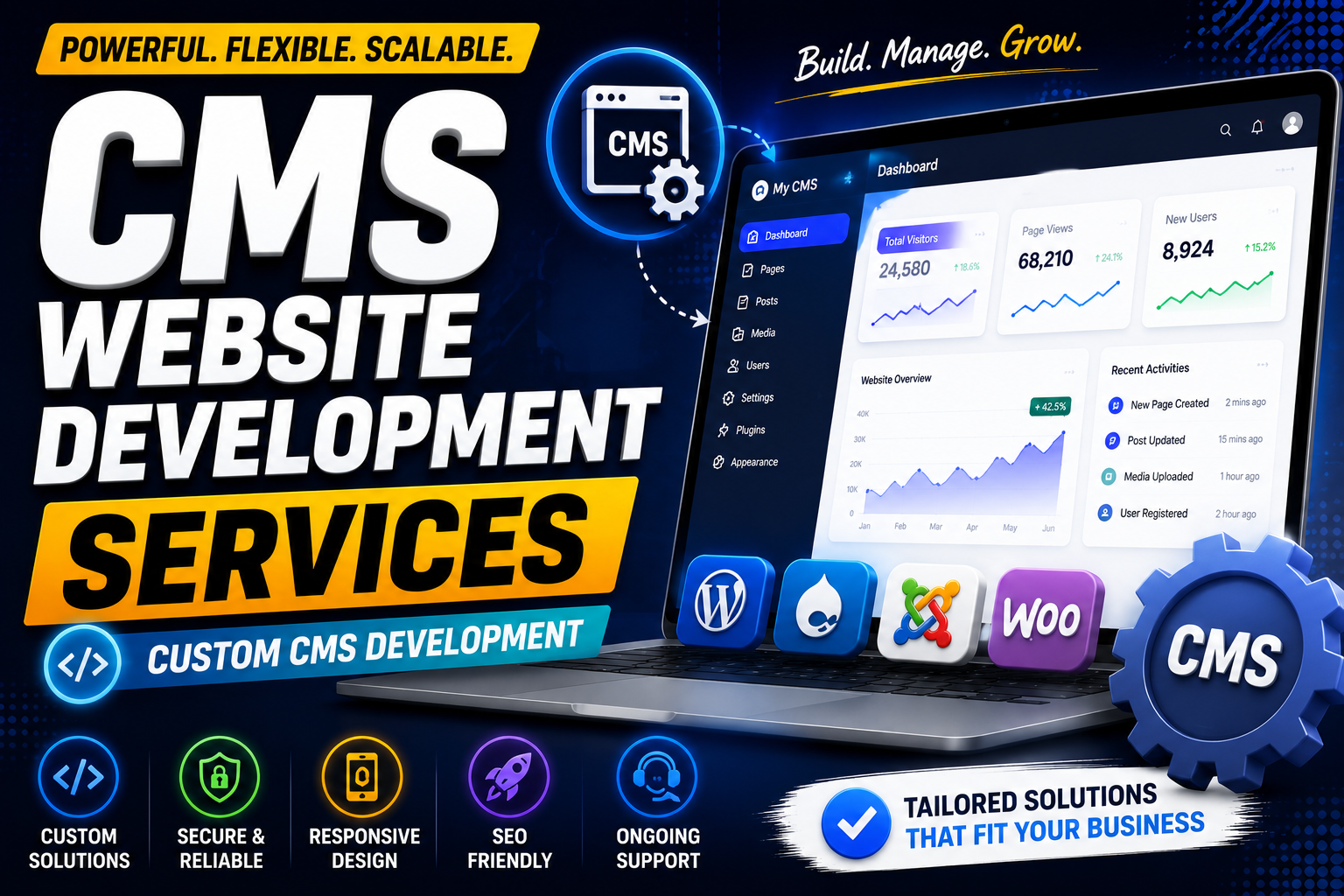
CMS website development services help businesses create websites that are easier to manage, update, and scale.
We develop CMS-powered websites for businesses, organizations, startups, and professional service providers, with a focus on usability, performance, SEO, security, and long-term maintainability.
Whether you need a simple business website, a content-heavy publishing platform, or a custom CMS solution, the right approach depends on your content, users, workflows, and business requirements.
What Is CMS Website Development?
CMS stands for Content Management System.
A CMS allows authorized users to create, edit, organize, and publish website content through an administrative interface.
Instead of changing website code every time you want to update content, your team can manage information through the CMS.
For example, you can use a CMS to manage:
- Website pages
- Blog posts
- Images
- Services
- Products
- Team members
- FAQs
- Locations
- Documents
- Navigation menus
This makes a CMS particularly useful for businesses that regularly update their websites.
Get Your CMS: Click Here
Our CMS Website Development Services
Custom CMS Website Development
We develop CMS websites around your business requirements rather than forcing your workflows into an unsuitable template.
A custom CMS can include:
- Custom admin dashboard
- Content management
- User roles
- Custom fields
- Media management
- Forms
- Search
- APIs
- Third-party integrations
Business CMS Development
For businesses that need an easy way to manage their online presence, we can build CMS websites with sections for:
- Services
- About
- Team
- Locations
- Blog
- Testimonials
- FAQs
- Contact information
The CMS can be structured so your team can update everyday content without relying on a developer for every small change.
WordPress Website Development
WordPress is one option for businesses that need a flexible content management system.
It can be suitable for:
- Corporate websites
- Local businesses
- Blogs
- Agencies
- Professional services
- Educational websites
- Content-driven websites
The right CMS should be selected based on the project’s actual requirements rather than popularity alone.
Headless CMS Development
For businesses that need greater flexibility between the content layer and frontend, a headless CMS can be considered.
A headless architecture separates the content management system from the presentation layer and can allow content to be delivered to different platforms through APIs.
This can be useful for businesses managing content across:
- Websites
- Mobile applications
- Web applications
- Digital platforms
However, headless CMS development can introduce additional technical complexity, so it isn’t necessary for every small business.
Purchase Your: Click Here
Custom CMS vs Existing CMS
One of the first decisions in a CMS project is whether to use an established platform or build something custom.
Existing CMS
Advantages:
- Faster development
- Established ecosystem
- Existing plugins/extensions
- Lower development complexity
- Easier to find developers
Custom CMS
Advantages:
- Custom workflows
- Complete control
- Tailored administration
- Specialized functionality
- Can avoid unnecessary platform features
A custom CMS isn’t automatically better.
For many businesses, an established CMS can provide everything they need at a lower cost and with less maintenance.
Custom development becomes more attractive when the business has specific workflows or functionality that standard platforms cannot handle efficiently.
CMS Features We Can Develop
Content Management
Manage pages, posts, services, products, and other content.
Media Management
Upload and organize:
- Images
- Videos
- PDFs
- Documents
User Roles
Create different permissions for:
- Administrators
- Editors
- Authors
- Managers
SEO Management
Give administrators control over relevant SEO fields such as:
- Page titles
- Meta descriptions
- URLs
- Headings
- Image alt text
- Canonical URLs
Search
Add website search functionality so visitors can quickly find relevant content.
Forms
Create:
- Contact forms
- Quote forms
- Lead forms
- Registration forms
- Enquiry forms
Analytics
Connect appropriate analytics and reporting tools to understand website performance.
CMS Website Development for Different Industries
A CMS can be adapted to many industries.
Education
Manage:
- Courses
- Faculty
- Departments
- Notices
- Events
- Study materials
Healthcare
Manage:
- Doctors
- Services
- Departments
- Locations
- FAQs
- Resources
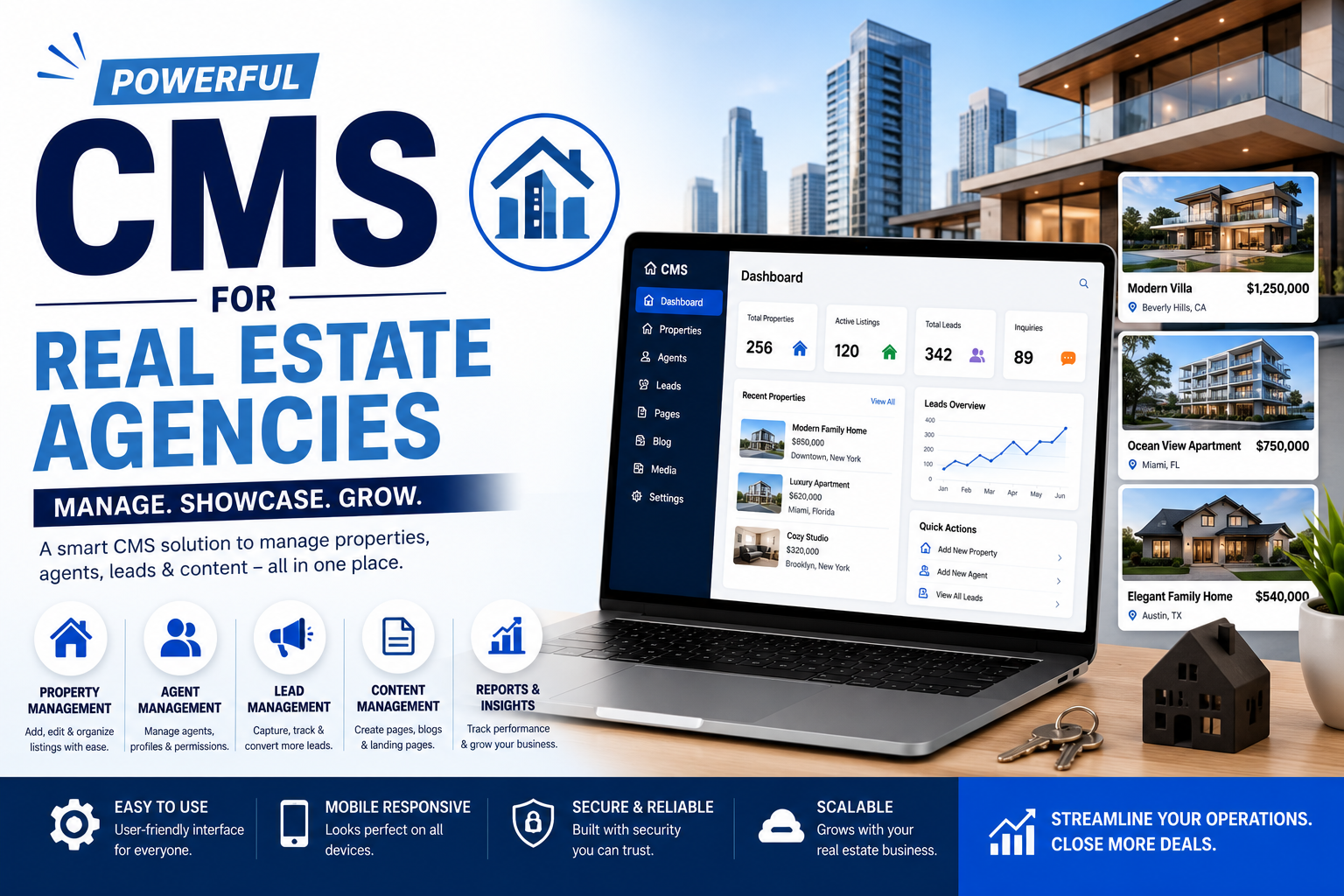
Real Estate
Manage:
- Properties
- Agents
- Locations
- Property types
- Amenities
Professional Services
Manage:
- Services
- Team members
- Case studies
- Resources
- Blog content
E-commerce
Manage:
- Products
- Categories
- Content
- Promotions
- Pages
SEO-Friendly CMS Development
A CMS should make it easier—not harder—to maintain SEO.
Your CMS website can be structured to support:
- Clean URLs
- Editable metadata
- Heading structure
- Image optimization
- Internal linking
- XML sitemap
- Canonical URLs
- Structured data where appropriate
- Mobile-friendly pages
- Fast loading
- Crawlable content
However, using a CMS doesn’t automatically make a website SEO-friendly.
Search visibility still depends on content quality, search intent, technical SEO, website architecture, authority, competition, and other ranking factors.
Mobile-Responsive CMS Websites
Your CMS website should work properly across:
- Smartphones
- Tablets
- Laptops
- Desktop computers
Responsive design ensures that both the public-facing website and important content-management workflows are usable across appropriate devices.
CMS Security
Security should be considered throughout development and maintenance.
Important areas can include:
- Strong authentication
- Role-based permissions
- Secure passwords
- Software updates
- Input validation
- Secure APIs
- Backups
- Access controls
- Monitoring
The specific security measures required depend on the CMS, hosting environment, integrations, and type of information being handled.
CMS Website Development Process
1. Requirements Analysis
We identify:
- Business goals
- Content types
- Users
- Admin requirements
- Integrations
- SEO requirements
- Future needs
2. Website Architecture
We plan the sitemap, content structure, navigation, URLs, and CMS data structure.
3. UI/UX Design
The public-facing website is designed around usability and conversion goals.
4. CMS Development
The CMS and required functionality are developed.
5. Content Setup
Content types, categories, fields, media management, and administrative workflows are configured.
6. Integrations
Connect required services such as:
- Forms
- Analytics
- CRM
- Payment systems
- APIs
7. Testing
Test:
- Forms
- Navigation
- CMS functionality
- Responsiveness
- Performance
- Security
- Browser compatibility
8. Launch
After final checks, the website is deployed and prepared for ongoing maintenance.
How Much Does CMS Website Development Cost?
There is no single price for CMS website development.
The total cost can depend on:
- Number of pages
- CMS platform
- Custom design
- Custom functionality
- Number of content types
- User roles
- Integrations
- E-commerce
- SEO requirements
- Hosting
- Maintenance
A basic CMS business website can cost considerably less than a custom platform with advanced workflows and integrations.
The most accurate estimate comes after defining the scope, functionality, and CMS requirements.
Why Choose CMS Website Development?
A well-designed CMS can help your business:
- Update content faster
- Reduce dependence on developers
- Publish content consistently
- Support SEO
- Manage multiple pages
- Scale the website
- Improve internal workflows
The goal isn’t simply to build a website with a CMS.
The goal is to build a content management system that your team can actually use efficiently.
Frequently Asked Questions
What are CMS website development services?
CMS website development services involve designing and developing websites that use a content management system to allow authorized users to manage website content.
Which CMS is best for a business website?
There isn’t one CMS that is best for every business. The right choice depends on functionality, budget, content requirements, integrations, technical resources, and future plans.
Is WordPress a CMS?
Yes. WordPress is a content management system that can be used to create and manage websites.
Do I need a custom CMS?
Not necessarily. An existing CMS may be sufficient for many businesses. Custom CMS development is more appropriate when you have specialized requirements or workflows.
Can a CMS website rank on Google?
Yes. CMS websites can rank in search engines when they have useful content, strong technical foundations, appropriate site architecture, and other SEO signals.
Can I update my website without coding?
Many CMS platforms allow users to manage routine content without writing code. Advanced customization may still require a developer.
Build a CMS Website That Grows With Your Business
Your website shouldn’t become difficult to manage as your business grows.
With the right CMS website development services, you can create a website that gives your team control over content while providing a strong foundation for SEO, performance, security, and future expansion.
Whether you need a business CMS, WordPress website, headless CMS, or custom CMS solution, the right architecture should be determined by your actual business requirements.
Ready to Build Your CMS Website?
Request a CMS Website Consultation
E-E-A-T / SEO improvements before publishing
For your actual service page, add real proof, not generic SEO claims:
- Your actual CMS projects
- Screenshots of the admin dashboard
- Before/after examples
- Real client testimonials
- Case studies
- Technologies you actually use
- Your development process
- Team/author information
- Real pricing ranges if you publish pricing
- Clear contact/business information
Also create supporting pages such as:
- CMS Website Development for Small Business
- WordPress Website Development Services
- Custom CMS Development Services
- Headless CMS Development Services
- CMS Website Development Cost
- Content Management System for Small Business
Then internally link these pages to your main CMS Website Development Services page. This creates a much stronger topical structure than trying to rank one page for every CMS-related keyword.